An interactive HTML file is awkward to share. Attachments make people download it, chat can alter it, and deploying a site is too much work for a quick review.
Share the file, not a new website
ArtifactPass turns one HTML file into a temporary browser link. The recipient can preview it, inspect the exact source, download it, and decide whether its JavaScript runs.
Prepare a self-contained HTML file
The strongest handoff is a single file that carries its own markup, styles, and scripts. Inline the CSS and JavaScript that belong to the demo. Avoid runtime dependencies on APIs, remote fonts, CDNs, analytics, or external images.
This is not only about portability. ArtifactPass blocks network access inside the enabled JavaScript preview. A demo that depends on a remote endpoint may still display its static shell, but the network-dependent behavior will not complete.
Check the file before publishing
- Open it locally and confirm the core interaction works without a build server.
- Keep the file at or below the public service limit of 25 MB.
- Remove secrets, tokens, private endpoints, and data that should not leave the project.
- Use embedded sample data when the interaction normally depends on an API.
- Give the file a meaningful name, such as
artifactpass-project-pulse-demo.html.
Publish from the browser or your agent
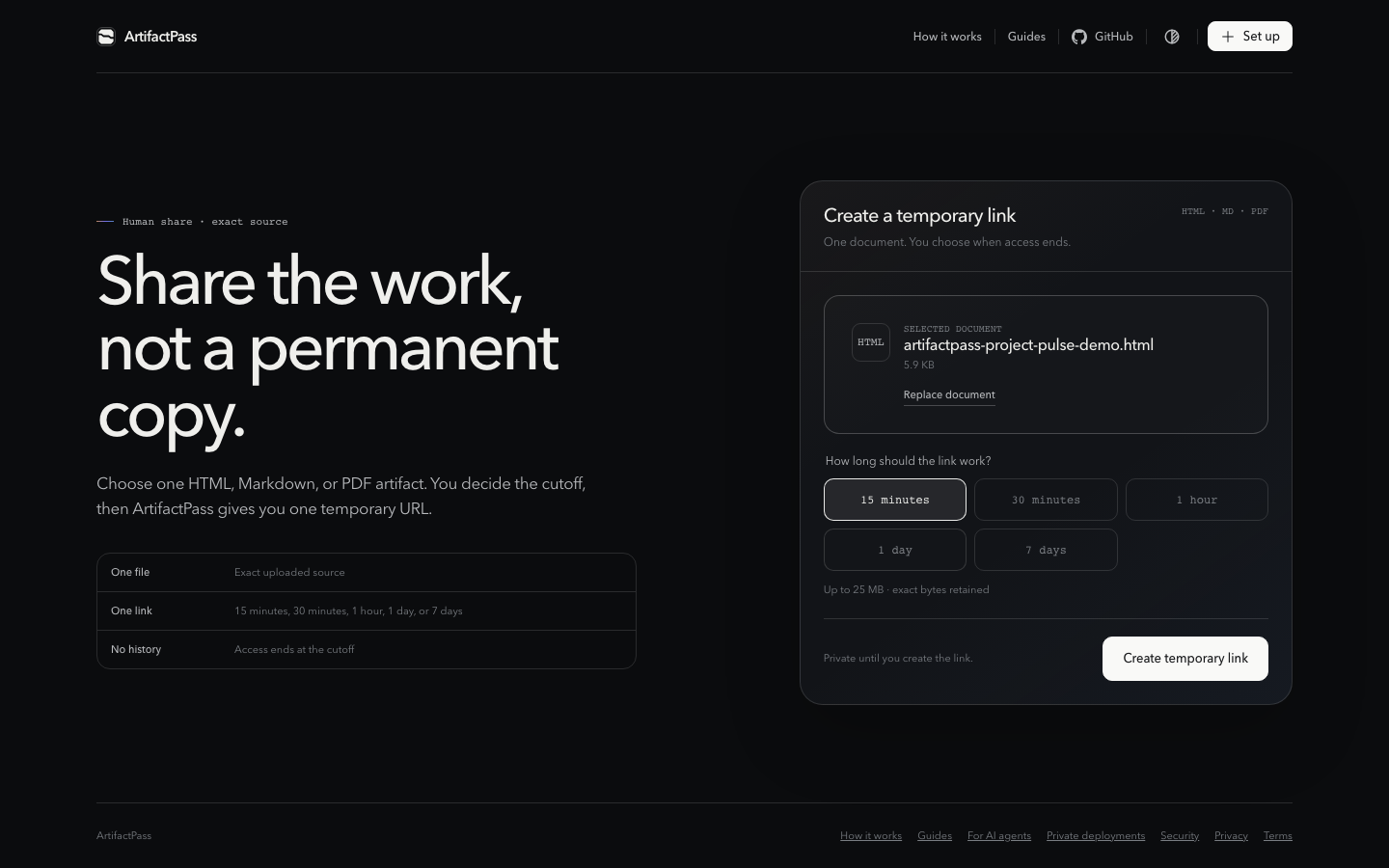
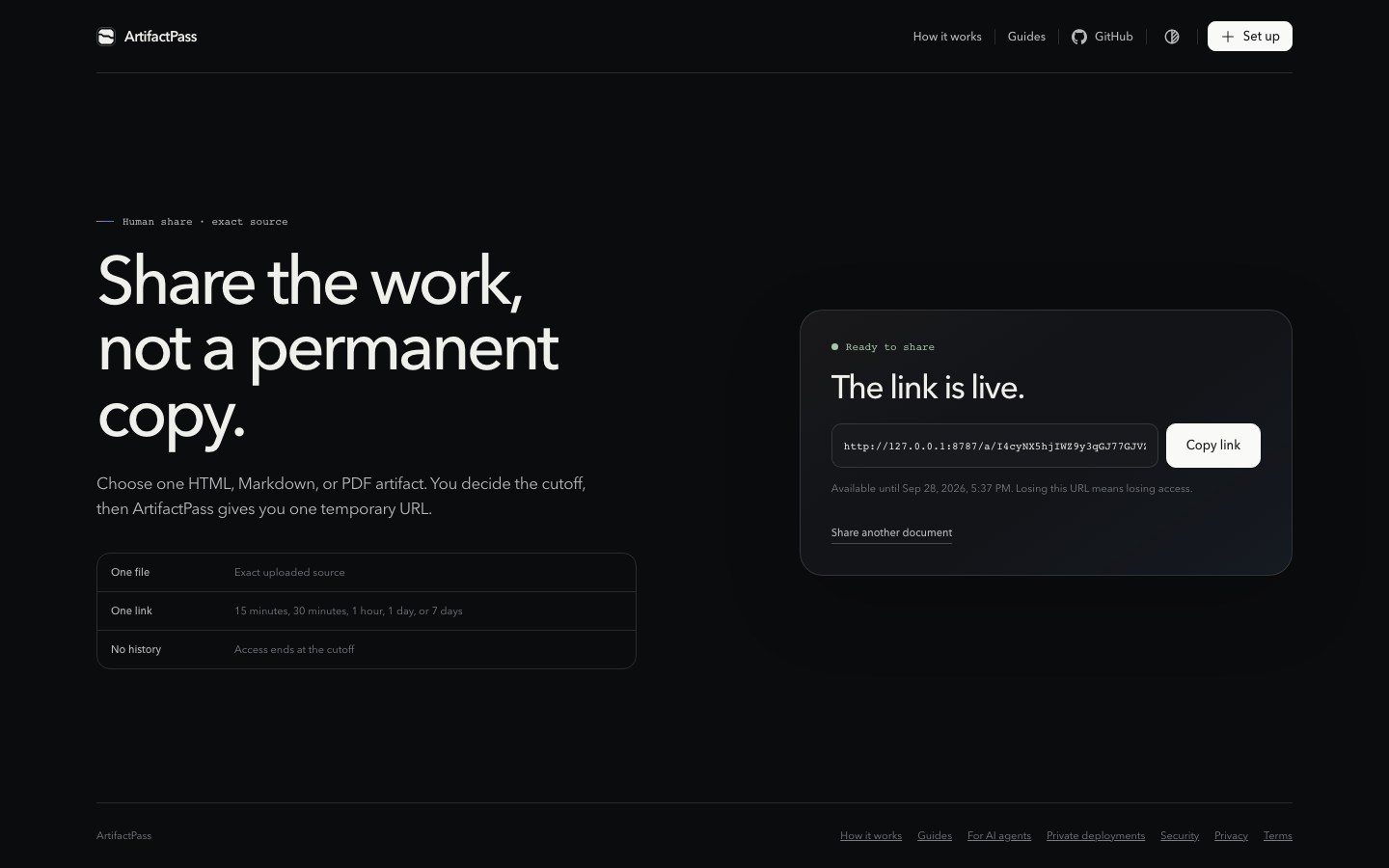
For a one-off share, open the ArtifactPass upload page, choose the HTML file, select its lifetime, and create the temporary link.
If the file was produced inside an agent workspace, ask the connected agent to publish it. The request can stay natural and specific:
Share ./artifactpass-project-pulse-demo.html for 1 day.The agent uses the ArtifactPass MCP tool to read the approved local file, publish it, and return the temporary HTTPS link. If the project is not connected yet, follow the AI agent setup guide first.
What the recipient sees
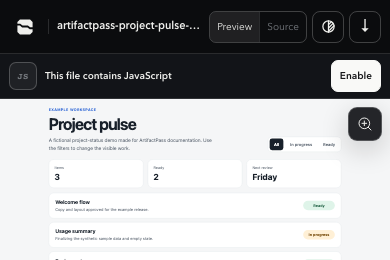
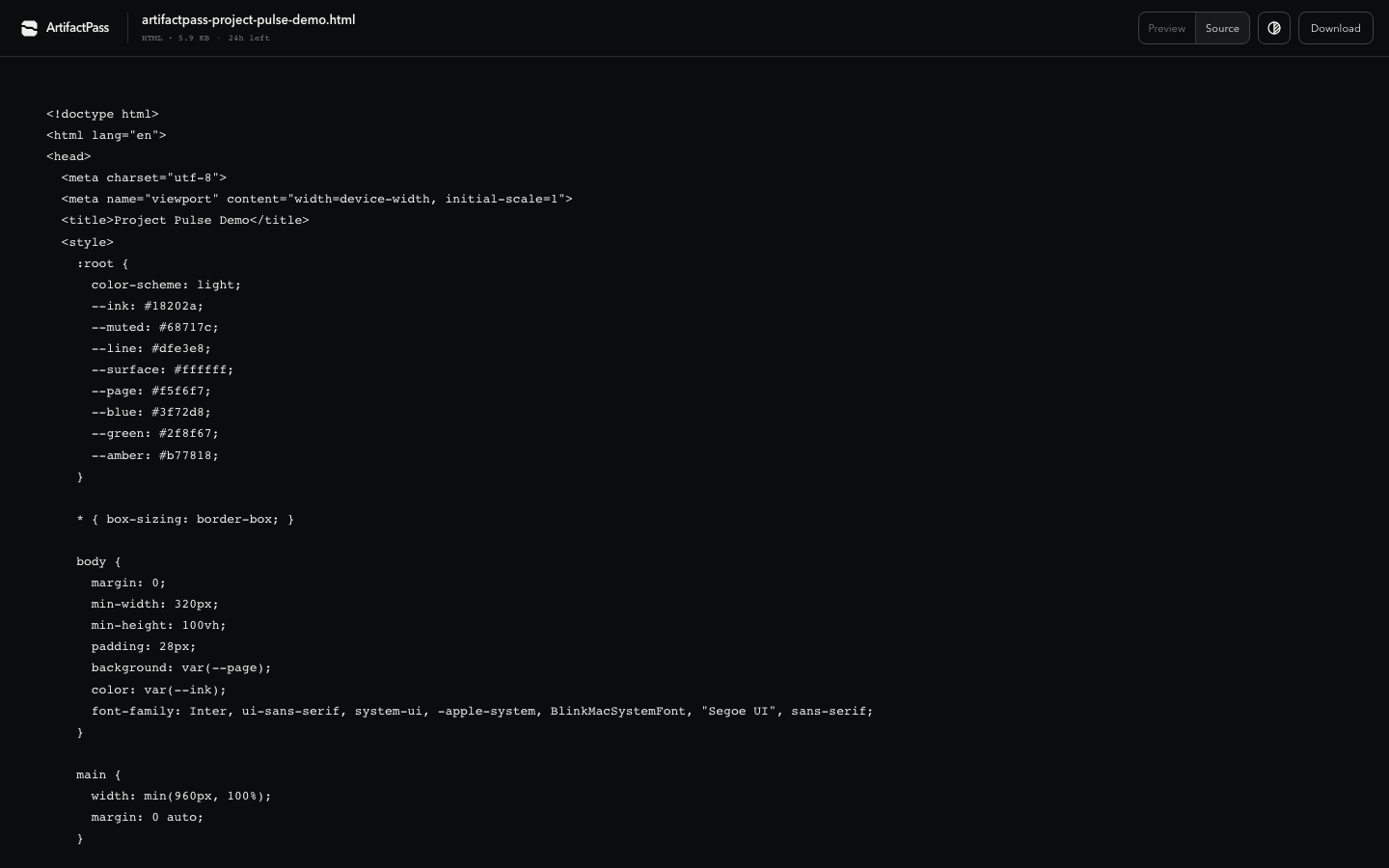
The viewer keeps the important actions close together: the filename, Preview and Source controls, Download, and the JavaScript control when the file contains a script.
The first preview is passive. JavaScript is disabled, so the recipient can inspect the page before allowing code to run. The banner states that the file contains JavaScript and offers a direct Enable JavaScript action. After enabling it, the same control lets the recipient disable it again.
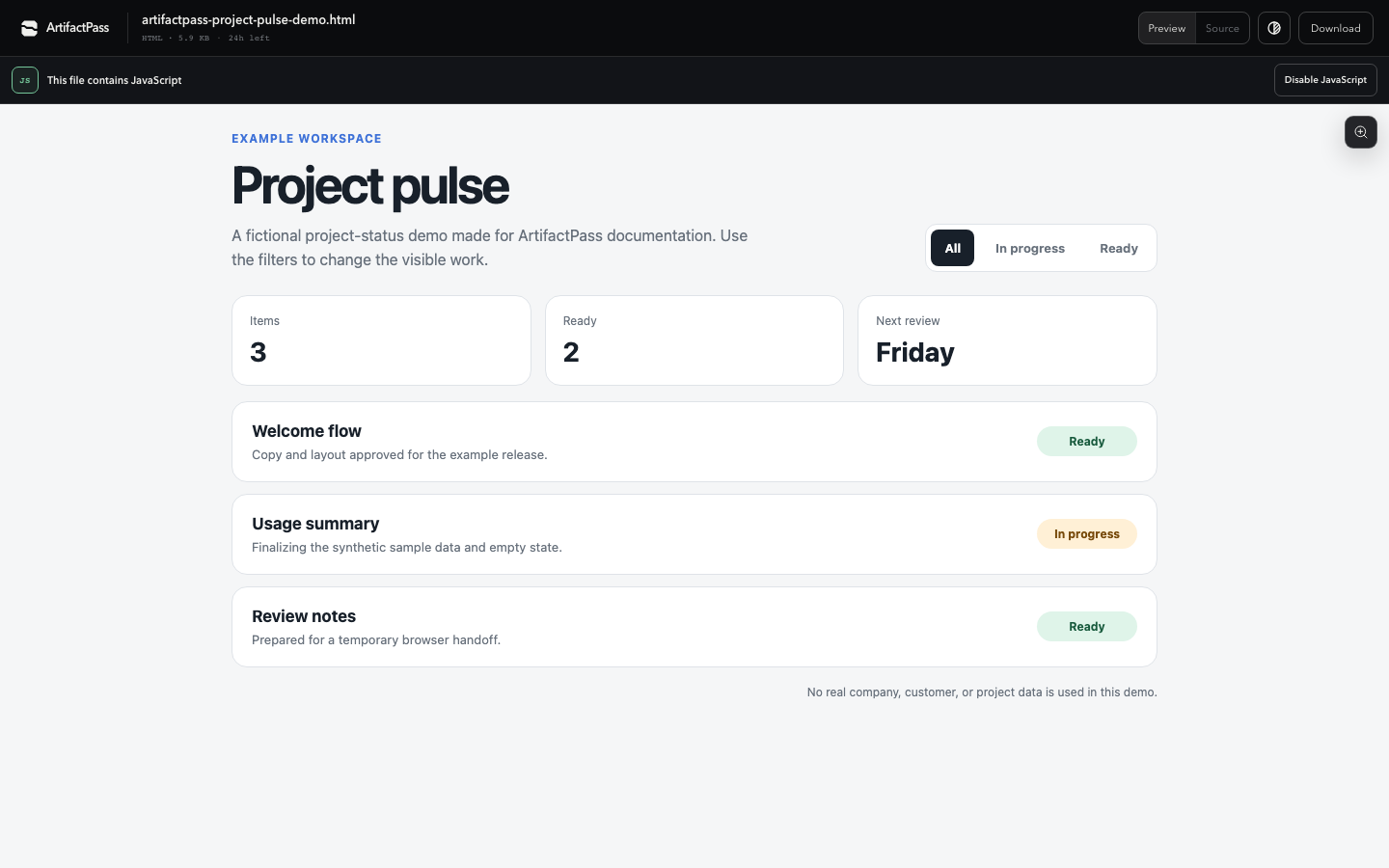
Source remains available during either state. That matters for review because a recipient can compare the rendered result with the exact HTML that produced it. Download returns the original uploaded bytes rather than a rewritten preview copy.
| Action | What it is for | What runs |
|---|---|---|
| Preview with JavaScript disabled | Read the static layout safely | No uploaded JavaScript |
| Enable JavaScript | Try the intended interaction | Code inside an isolated browser frame |
| Source | Inspect the exact HTML | No page script execution |
| Download | Keep the original file | Nothing until the recipient opens it elsewhere |
Important limits to explain
An ArtifactPass URL is a temporary bearer link. Anyone who receives the live URL can open and redistribute the artifact until it expires. Send it only to the people who should see it.
Enabling JavaScript does not turn ArtifactPass into a hosted application server. The code runs on the recipient's device, inside the browser preview. ArtifactPass does not allocate a server process for each open demo, and the preview cannot make network requests.
Expiry stops access through ArtifactPass, but it cannot remove a copy that someone already downloaded. If the work needs durable permissions, revocation, audit history, or a permanent URL, use a system designed for that job.
Common questions
Can the preview call an API?
No. Network access is blocked inside the enabled JavaScript preview. Embed representative sample data for the review.
Does the recipient need to sign in?
No. Only the publisher signs in. Anyone with the live share URL can open the artifact until it expires.
Can an agent read the HTML too?
Yes. A connected agent can read a valid ArtifactPass link and inspect the supported source instead of relying on a screenshot or copied chat text.
What if the prototype needs several files?
Bundle it into one self-contained HTML file, or use normal application hosting. ArtifactPass publishes one supported artifact per link.