Chat can truncate a finished file, change its formatting, or turn HTML into an escaped code block. The recipient cannot easily verify that they received the original artifact.
Give the finished file a proper handoff
ArtifactPass lets the agent publish one completed file and return a temporary link. The recipient sees the filename, file type, size, preview, source when supported, and remaining lifetime.
| Handoff | What arrives | Verification |
|---|---|---|
| Paste into chat | A message representation | Hard to prove formatting and bytes stayed intact |
| Repository commit | A durable code change | Strong history, but too heavy for every review artifact |
| ArtifactPass link | The exact supported file | Preview, source, metadata, and explicit expiry in one viewer |
Start from a project that is already connected
This guide begins after ArtifactPass is available to the agent. If this project is not connected yet, follow the AI agent setup guide, restart the agent session, then return here.
It covers supported agents, public and private deployments, browser approval, project scope, configuration changes, and installation checks.
Ask the agent to publish a finished file
Name the file and the lifetime. Public ArtifactPass supports 1 hour, 1 day, and 7 days. The agent resolves the file inside the approved workspace, validates the supported type and size, uploads it, then returns the share link.
Share ./report.md for 1 day.Good prompts are simple because the capability is intentionally narrow. Use one file per share. If a draft is still changing, finish it first. The ArtifactPass link is a handoff, not a collaborative editing surface.
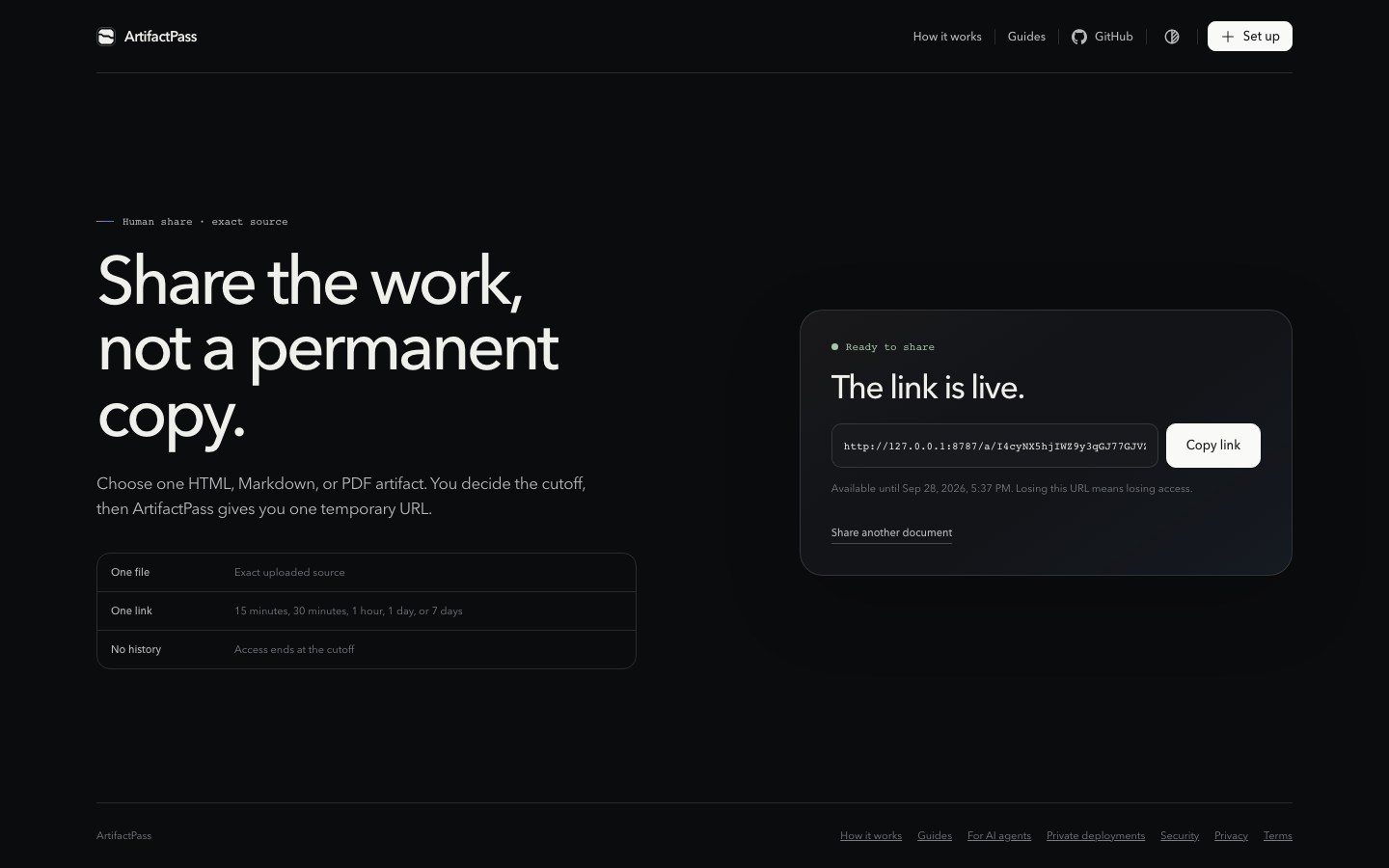
Complete a person or agent handoff
Agent to person
Open the returned URL in any browser. The recipient does not need an account. Send the link only to the intended reviewers because anyone holding it can open the artifact until it expires.
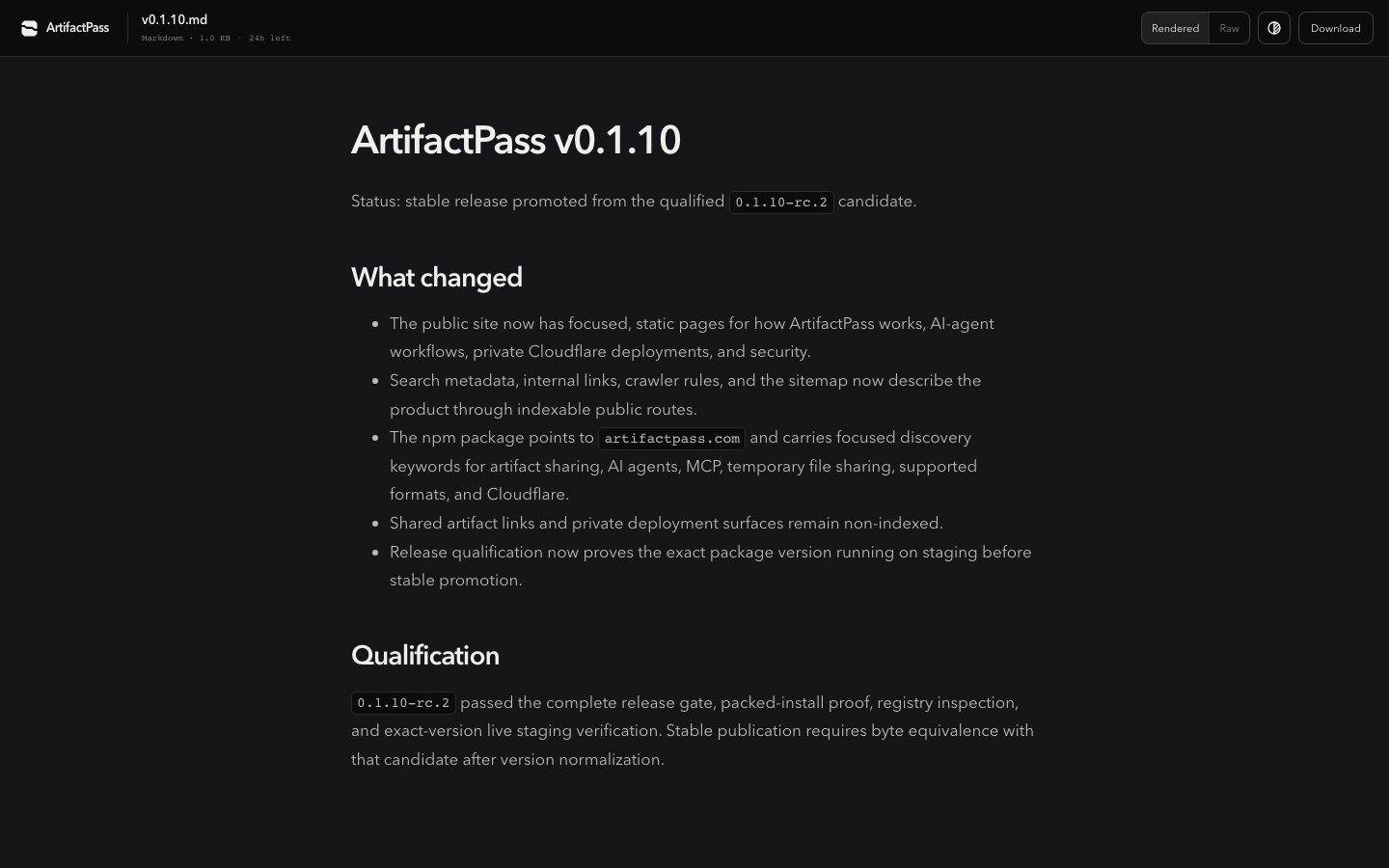
Agent to agent
Give the ArtifactPass link to another connected agent and ask it to read the artifact. The receiving agent retrieves the supported source instead of reconstructing the document from a pasted response.
Person to agent
A person can create a link from the browser upload page, then give that URL to a connected agent. This is useful when the file begins outside an agent workspace.
What this workflow does not replace
Use Git for durable code history, a drive for permanent storage, and a collaboration tool for ongoing editing. ArtifactPass is for a finished artifact that needs to move cleanly between contexts for a limited time.
Expiry stops the ArtifactPass URL, but it cannot delete a downloaded copy. Agent access is also separate from link access. Disconnecting an agent stops future publishing; it does not retract a link that is already live.
Common questions
Does every recipient need ArtifactPass installed?
No. A person can open a live link in a normal browser. Installation is needed only when an agent should publish or read artifacts directly.
What file types are supported?
ArtifactPass supports Markdown, HTML, and PDF. The viewer and agent-readable representation depend on the file type and its security checks.