Setup guide
Set up ArtifactPass for an AI agent
Install ArtifactPass once, approve exact project folders as you use them, and publish a first temporary link.
ArtifactPass separates the reusable agent integration from local file access. Install it once, then approve each exact project and publishing destination when the agent first needs it. ArtifactPass never treats every workspace on your computer as approved.
Open a terminal in the project
Move into the project where you want the agent to share Markdown, HTML, or PDF files. Only project roots you set up are approved for local file access.
cd /path/to/your-projectRun the setup command
pnpm dlx artifactpassThe installer adds the portable MCP server and ArtifactPass skills. It does not sign you in and it does not upload any file. Codex and Claude Code install the ArtifactPass plugin at the agent’s user level. Other clients retain their supported registration shape. In every client, ArtifactPass still limits local file access to project roots you explicitly approve.
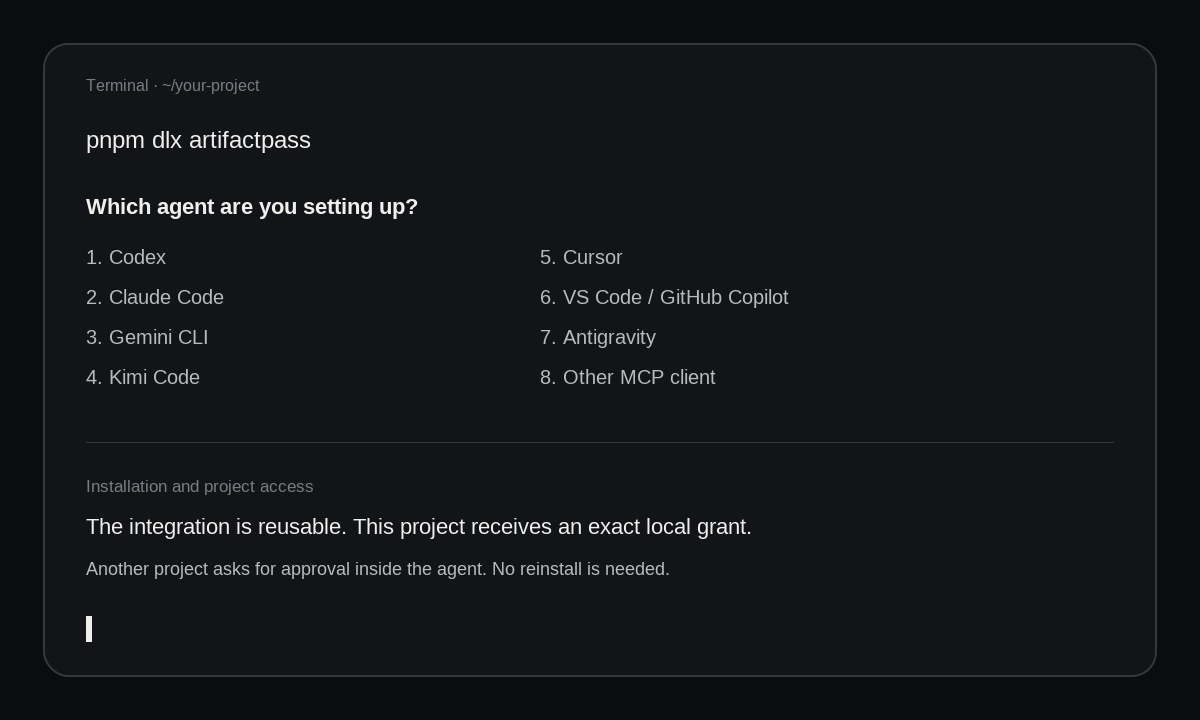
Choose the agent and deployment
Select the agent you actually use in this project. The named choices include Codex, Claude Code, Gemini CLI, Kimi Code, Cursor, VS Code with GitHub Copilot, and Antigravity. Those choices install the matching integration automatically. Use Other MCP client for another compatible client; setup then prints the MCP configuration file and skills directory that you must add to that client manually.
Choose Public to use artifactpass.com. Choose Private when a team administrator gave you a private deployment URL.
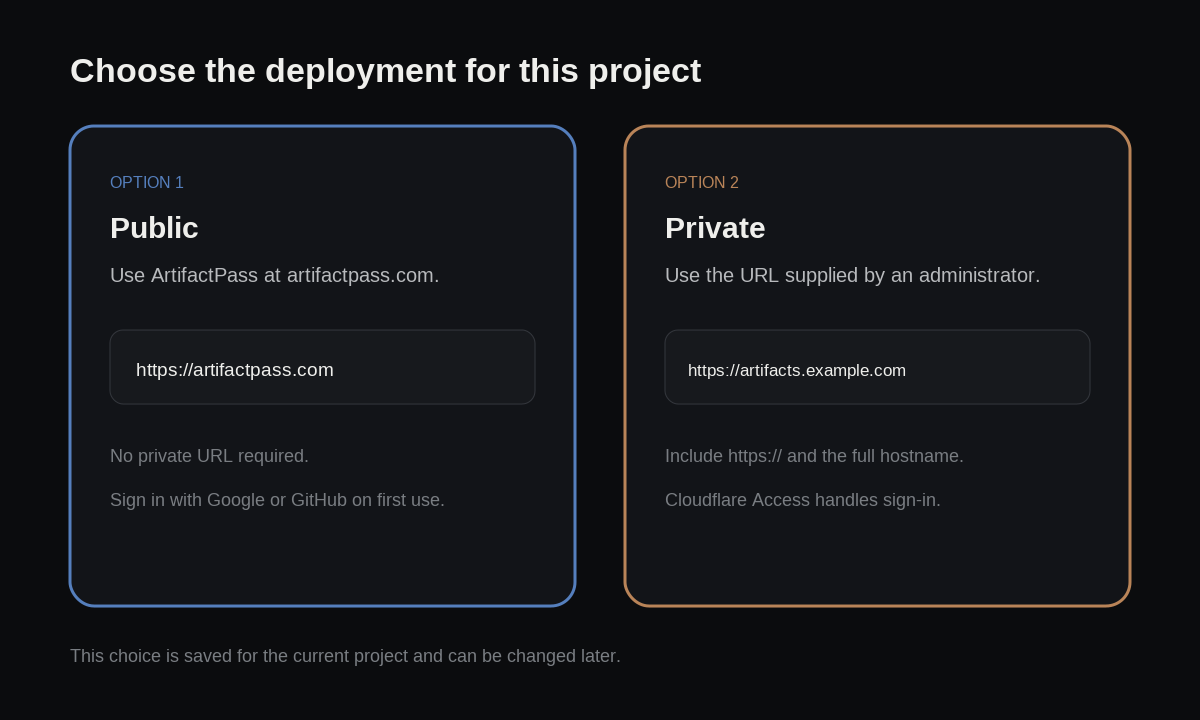
Restart the agent session
Close the current agent session and open a new one in the same project. The new session loads the MCP server and skills that setup installed.
If you selected Other MCP client, add the printed MCP configuration and skills directory to that client before restarting it.
You need this restart only after installing or upgrading the integration. Approving another project or changing its saved destination takes effect in the running session on the next ArtifactPass tool call.
Approve the project and connect on first use
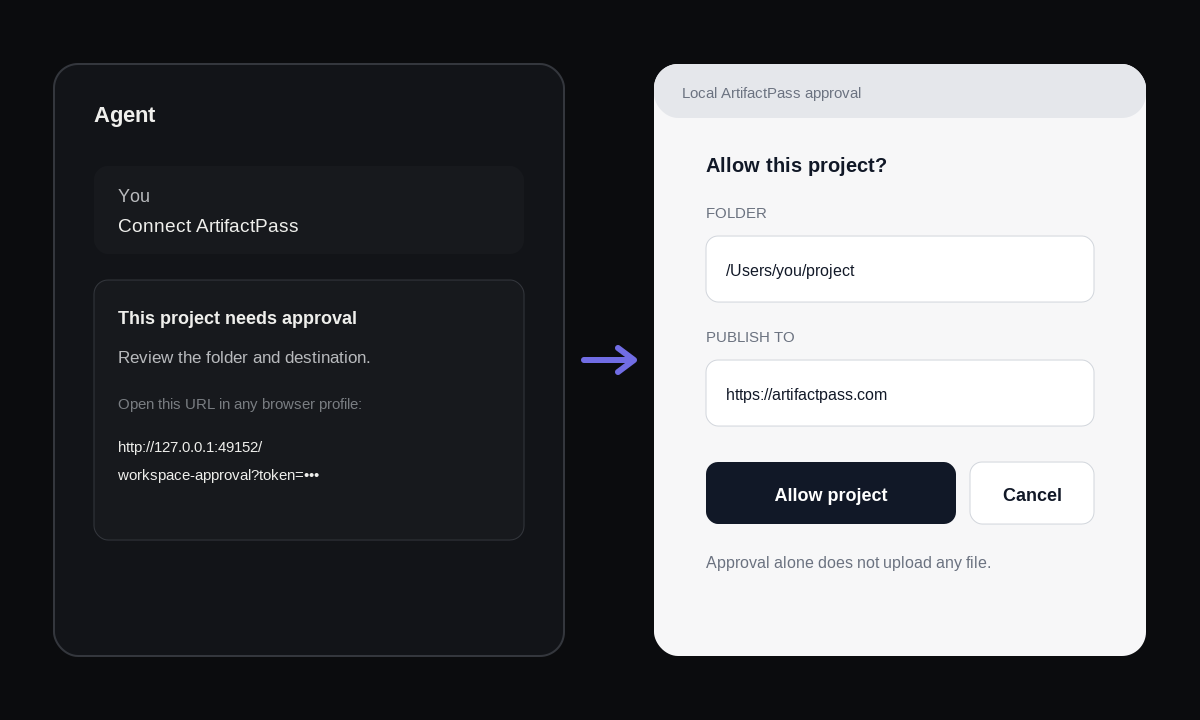
Ask the agent to share a file. If this project is new, ArtifactPass opens a local approval page showing the canonical folder and the destination that will receive uploads. The agent always includes the local approval URL so you can open it in the correct browser profile. Review both values, then choose Allow project or Cancel.
ArtifactPass reuses an existing credential for that destination. If sign-in is required, public ArtifactPass opens Google or GitHub approval; a private deployment opens the Cloudflare Access login configured by its administrator. The agent waits for readiness and resumes the original share request in the same session.
Publish a test artifact
Ask the connected agent to share a supported file and choose a lifetime.
Share ./report.md for 1 day.The agent returns one temporary HTTPS link. Opening the link does not require an account. Anyone who has the live link can read that artifact until it expires.
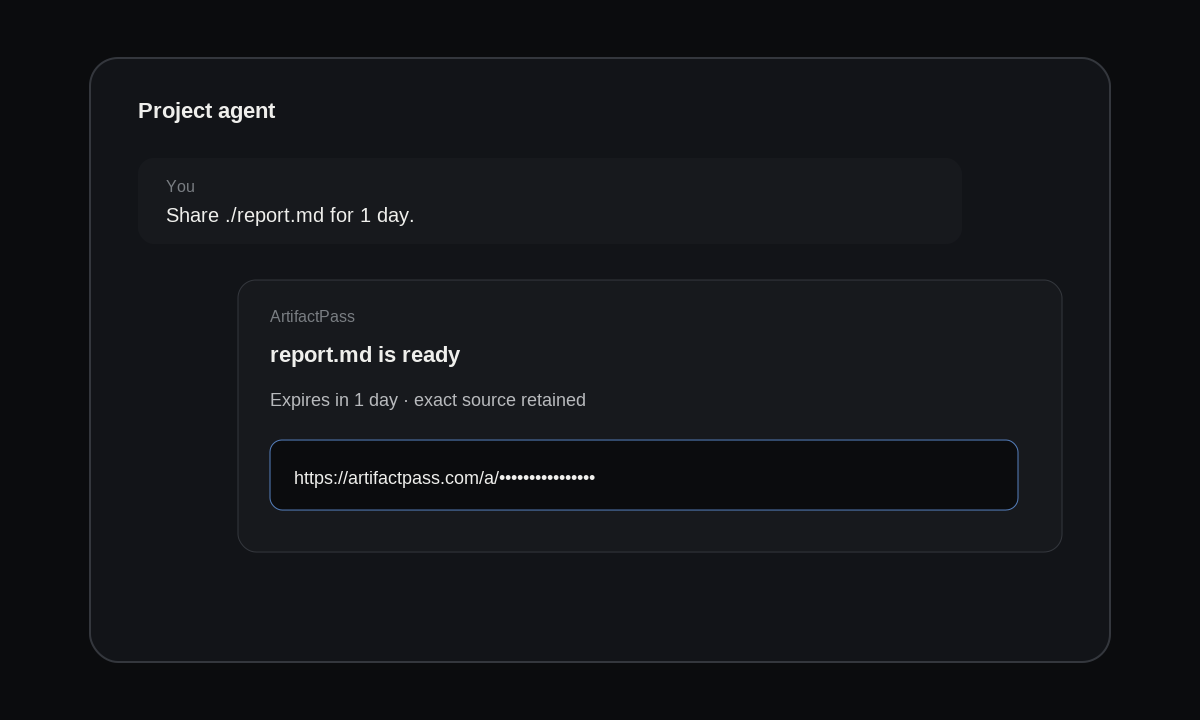
You are ready
ArtifactPass is connected to this project.
Change the deployment used by this project:
pnpm dlx artifactpass configureReview or remove project access:
pnpm dlx artifactpass workspace listpnpm dlx artifactpass workspace remove /path/to/your-projectCheck the installation:
pnpm dlx artifactpass doctorNeed your own Cloudflare deployment? Follow the private deployment guide.