A private deployment changes where ArtifactPass runs and who may publish. It does not change the basic temporary-link model.
Keep the application and its data in your Cloudflare account
A private deployment places the sharing application on your hostname and creates the infrastructure inside your Cloudflare account.
The public ArtifactPass landing page, policies, and general guides remain on artifactpass.com. Your hostname receives the actual sharing application and viewer, not a copy of the marketing site.
Separate publisher access from link access
Cloudflare Access protects publishing. The administrator can approve company email domains or specific email addresses. People outside those rules cannot sign in to publish.
Reading uses a different model. Each live artifact URL is a temporary bearer link. Anyone holding that URL can open the artifact until it expires, without joining the publisher allow list.
| Action | Who may do it | Control |
|---|---|---|
| Publish an artifact | Approved people | Cloudflare Access policy |
| Open a live artifact | Anyone holding its URL | Temporary bearer link |
| Change the deployment | The Cloudflare account operator | Cloudflare account and deployment receipt |
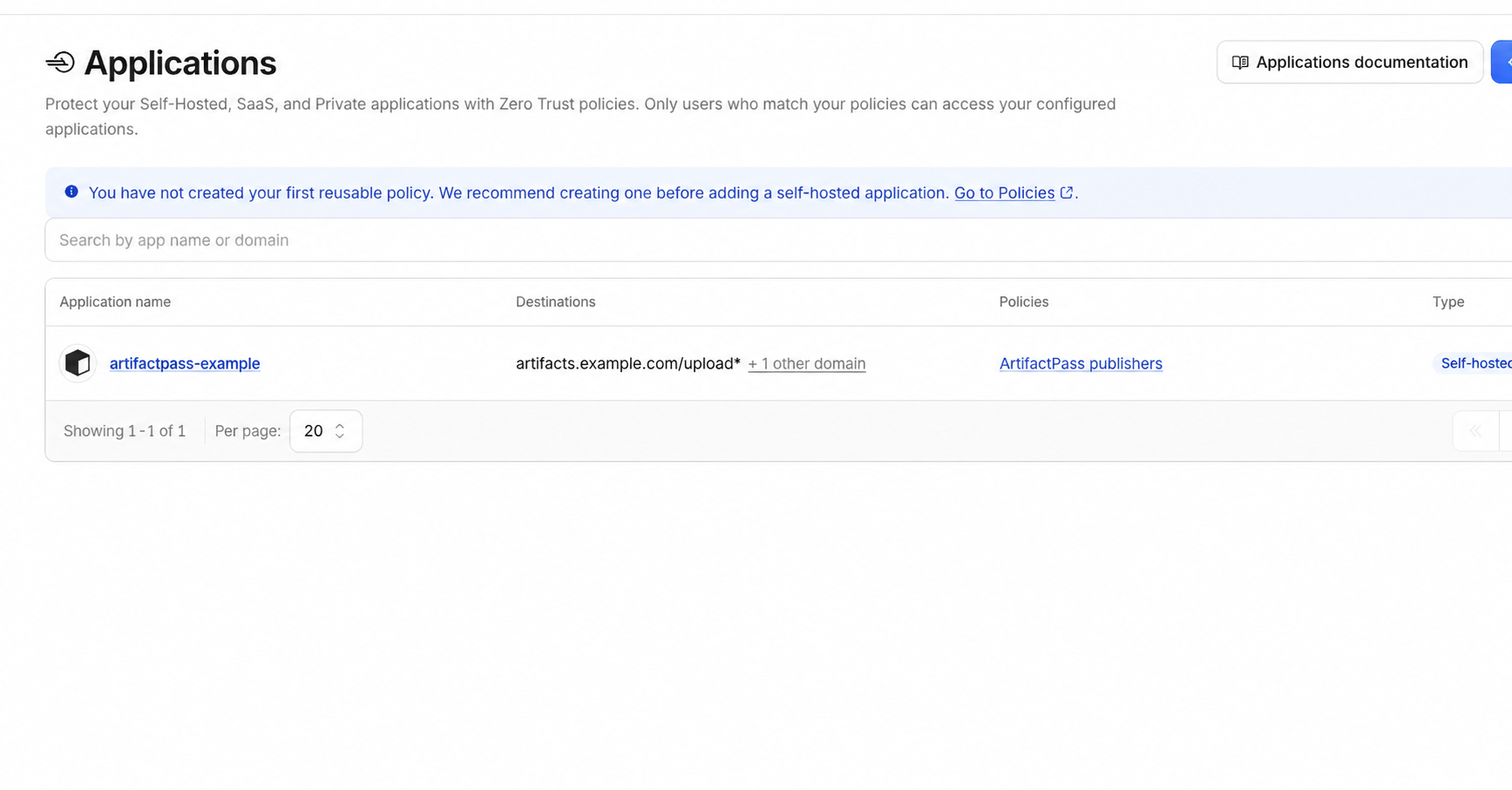
ArtifactPass does not send invitation emails. Administrators share the private hostname with approved teammates after adding them to the policy.
Private deployments update deliberately
A deployment stays on the ArtifactPass version that created it. Publishing a new package does not silently change the Worker running in another Cloudflare account.
When the operator chooses to update, ArtifactPass reuses the existing hostname, Access application, D1 database, R2 bucket, and stored artifacts. Updates remain deliberate and version-pinned.
Use a private deployment when infrastructure ownership matters
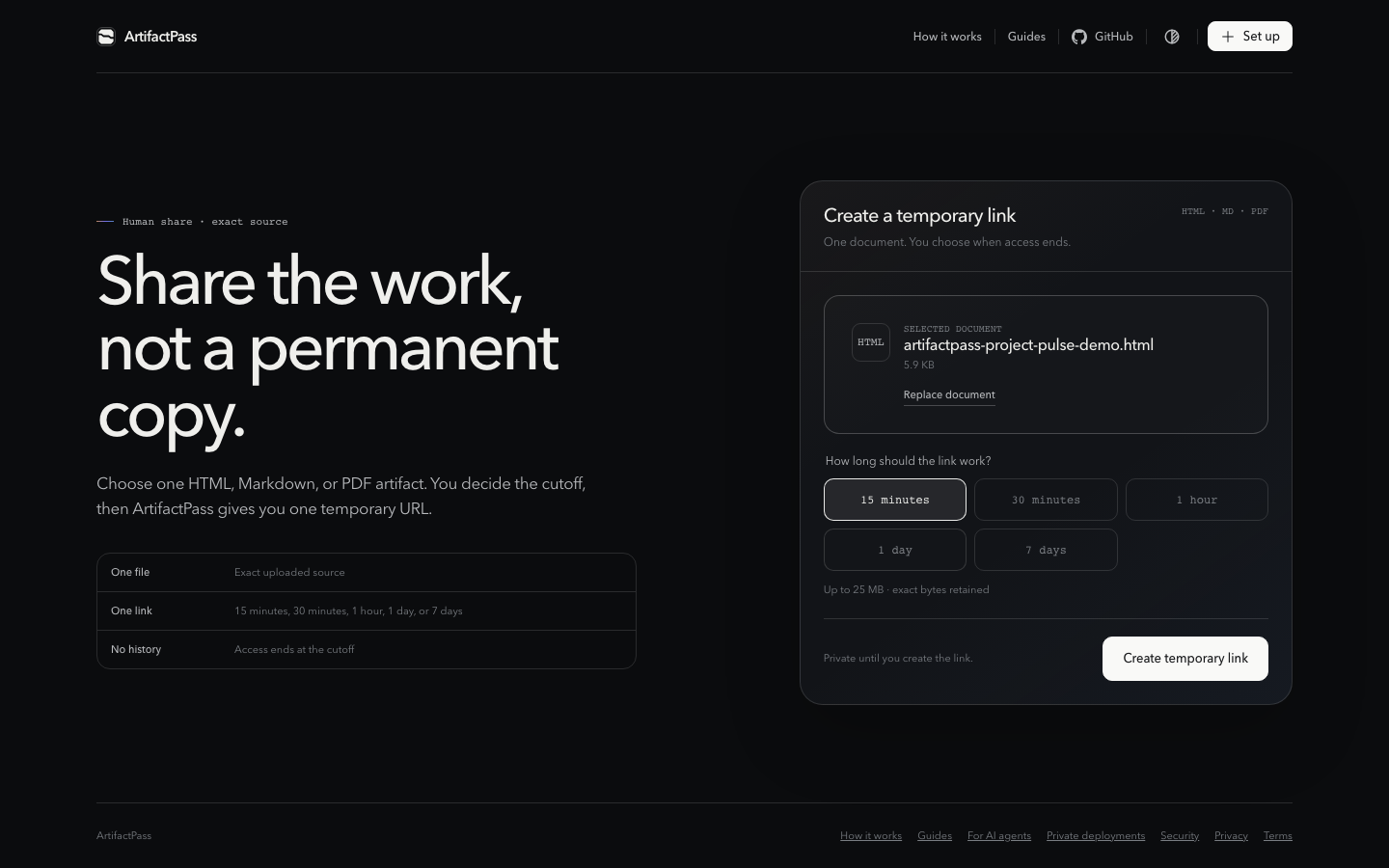
Private ArtifactPass is a good fit when a team wants its own domain, Cloudflare account, storage, metadata, publisher policy, and controlled update schedule.
The hosted public service is the simpler choice when the team only needs temporary sharing and does not need to own the underlying Cloudflare resources.
| Need | Best starting point |
|---|---|
| Share one temporary file quickly | Public ArtifactPass |
| Keep storage and metadata in your Cloudflare account | Private deployment |
| Restrict who may publish using company login rules | Private deployment |
| Restrict every reader to an individual account | Use a system with per-reader authorization |
Deploy or invite teammates
Follow the private deployment guide for the domain, DNS, sign-in, publisher rules, lifetimes, review, deployment, and update flow.
After deployment, send teammates the private teammate guide.
Common questions
Does a private deployment copy the ArtifactPass marketing site?
No. It deploys the sharing application and viewer. Public pages and policies remain on artifactpass.com.
Does every reader need to be on the publisher allow list?
No. The allow list controls publishing. A live artifact URL remains readable by anyone holding it until expiry.
Do private deployments update automatically?
No. The operator chooses when to run the update flow.